
For marketers & agencies
Scroll-stopping ads at agency scale.
Take a brief to finished video in one console. Script, storyboard, consistent actors, voiceover and an edit-ready export, without bouncing between five tools.
Why agencies use FilmSpark
More concepts per brief, and they all look like the same campaign.
Ad work lives or dies on volume and consistency. FilmSpark is built around both.
Every major model in one console
Pick the right model for each shot: photoreal for the hero moment, stylized for performance creative. Switch models mid-project without rebuilding anything.
See the model listThe same actor in every variant
Characters live as reusable profiles with reference images, so the face in version 1 is the face in version 12. That's what makes A/B tests between ad variants a fair fight.
Start from the brief you already have
Drop in a brief, a product description or a full script. The Co-Pilot turns it into a script outline and storyboard frames you can react to in minutes.
Voiceover and lip sync built in
Give characters and spokespeople a voice from the built-in library, or bring your own ElevenLabs voice by Voice ID. Lip sync runs on the same shot.
“Since I started using FilmSpark, my entire production workflow has changed. I can finally work like in a real film production starting with script, characters, and environments, and FilmSpark actually understands what I want creatively.”
Christopher Jean Johann
Creative Director / Technologist. Credits: BMW, Hyatt Hotel, Hard Rock Hotels, BASF
How it works
Brief to finished ad in three steps.
The ad setup handles the planning, so your team spends its time on creative choices.
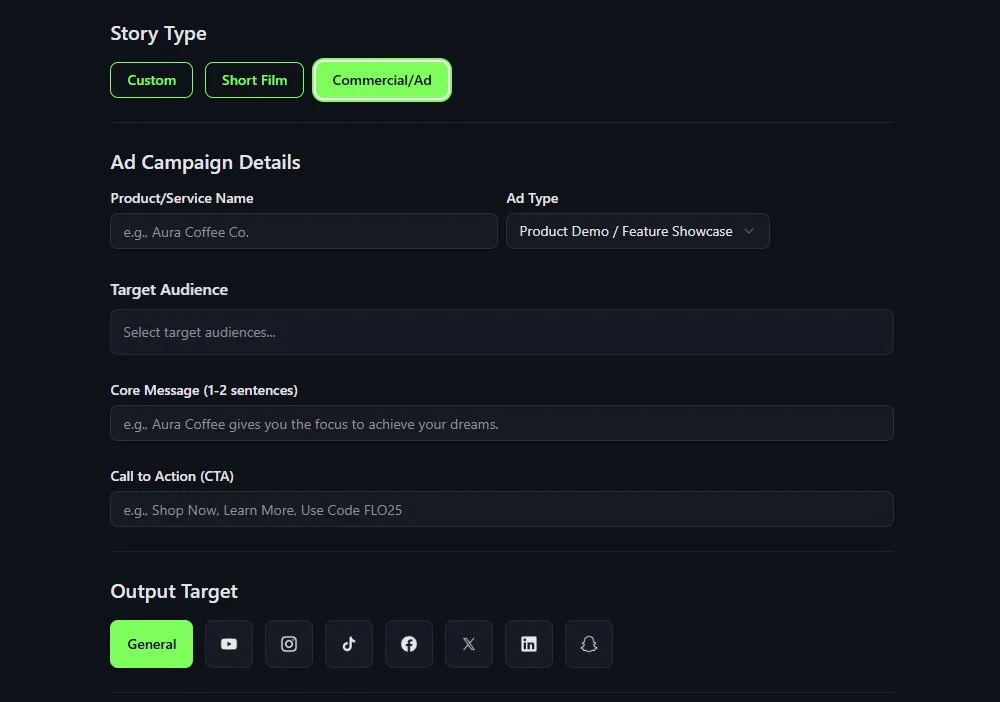
Set up the campaign
The guided ad setup asks for your product, core message, target audience, call to action and output format. Fill those in and the brief is done.
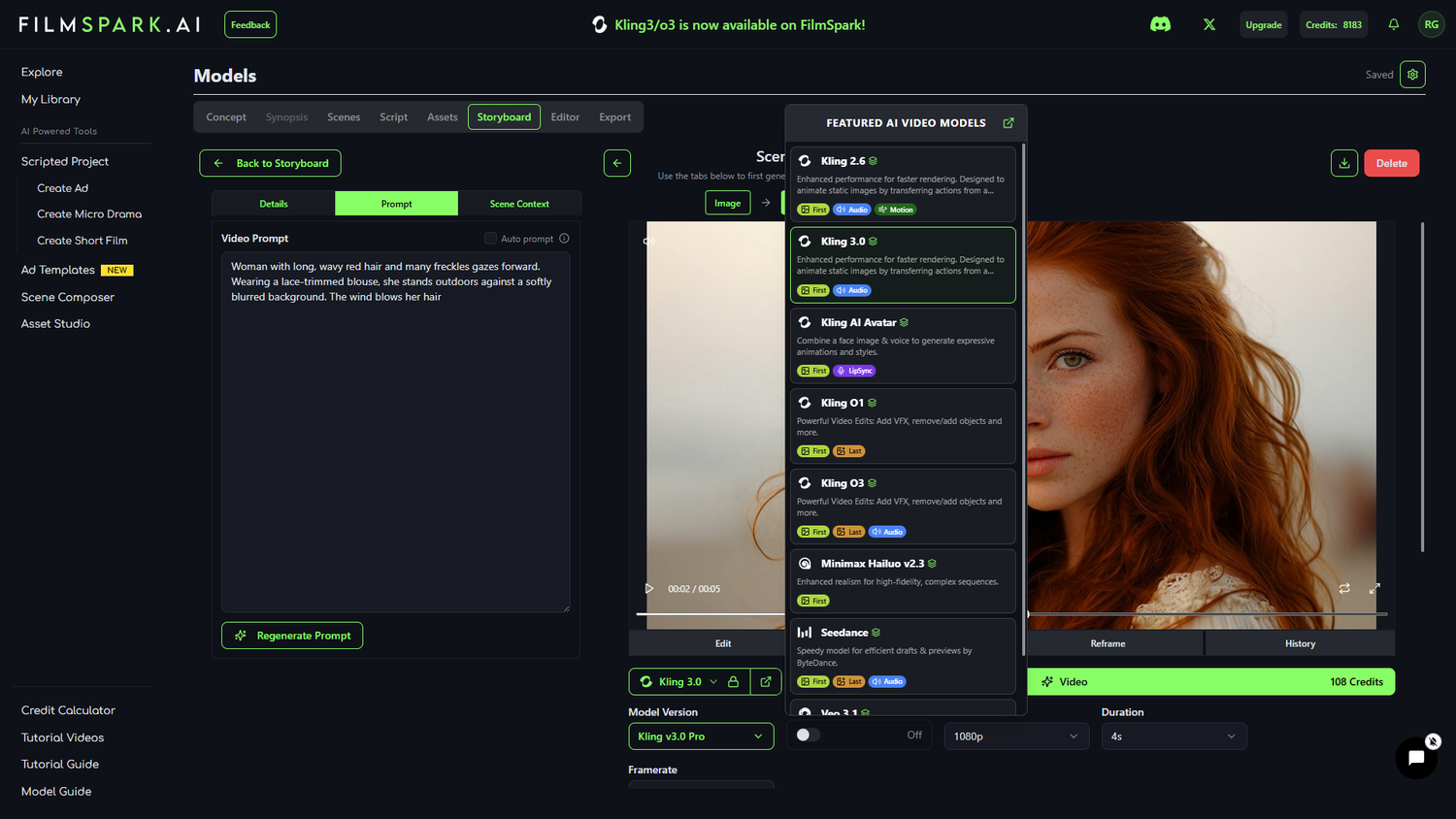
Pick a creative direction
FilmSpark turns the brief into storyboards, characters and scenes. Swap models, change the look and compare directions before you commit to video.

Generate and deliver
Generate the shots, then export in the aspect ratio each platform needs: vertical for TikTok and Reels, widescreen for YouTube. Or hand the cut to your editor as an XML for Premiere or Resolve.
FilmSpark Enterprise
Built for how agencies run.
Multiple clients, shared teams, and someone in finance asking where the budget went. Enterprise workspaces handle all of it.
Client work stays separate
Owner, Admin, Member and Viewer roles on every workspace. A freelancer on one client's production never sees another client's material.
Spend you can bill back
One shared credit pool with per-project and per-user burn-down, plus credit limits per production. You'll know what each client job cost.
A record for client sign-off
Export any production with every prompt, model and reference that built each shot. When a client asks how a spot was made, you send the file.
Indemnification that follows the work
For output from production-cleared models, we defend and indemnify against third-party IP claims. Coverage extends to partners, distributors and purchasers of the production.
Run your next campaign in FilmSpark.
Start free and build a spot today, or talk to us about workspaces for your agency.
Need it produced for you? FilmSpark Studios, our in-house creative team, takes brand work from concept to delivery. Ask about Studios